Plenny

Visual identity for Plenny, a personal budgeting assistant app: logo, icons and colours, followed by Instagram communication, a launch landing page and App Store visuals.

Client
Plenny
Year
2025
Visual identityWeb

Identity

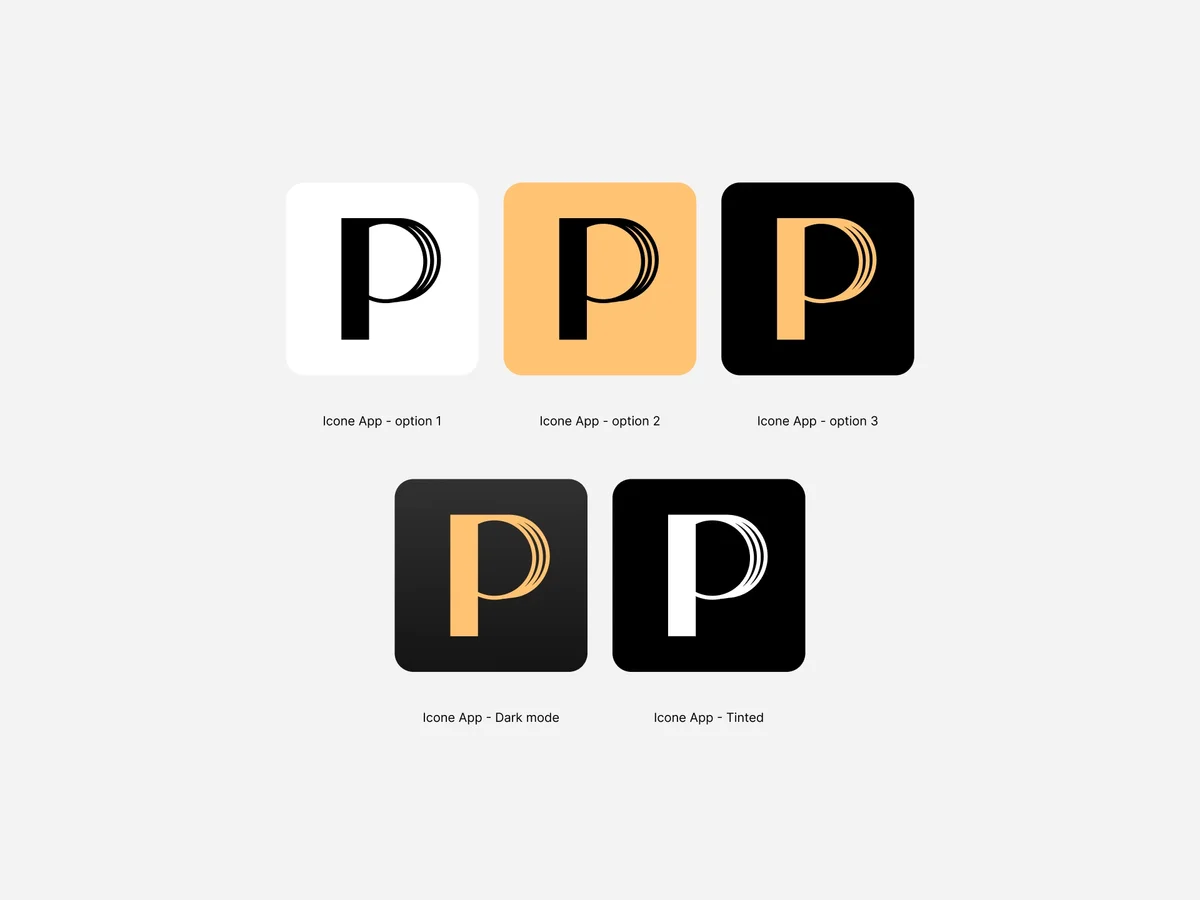
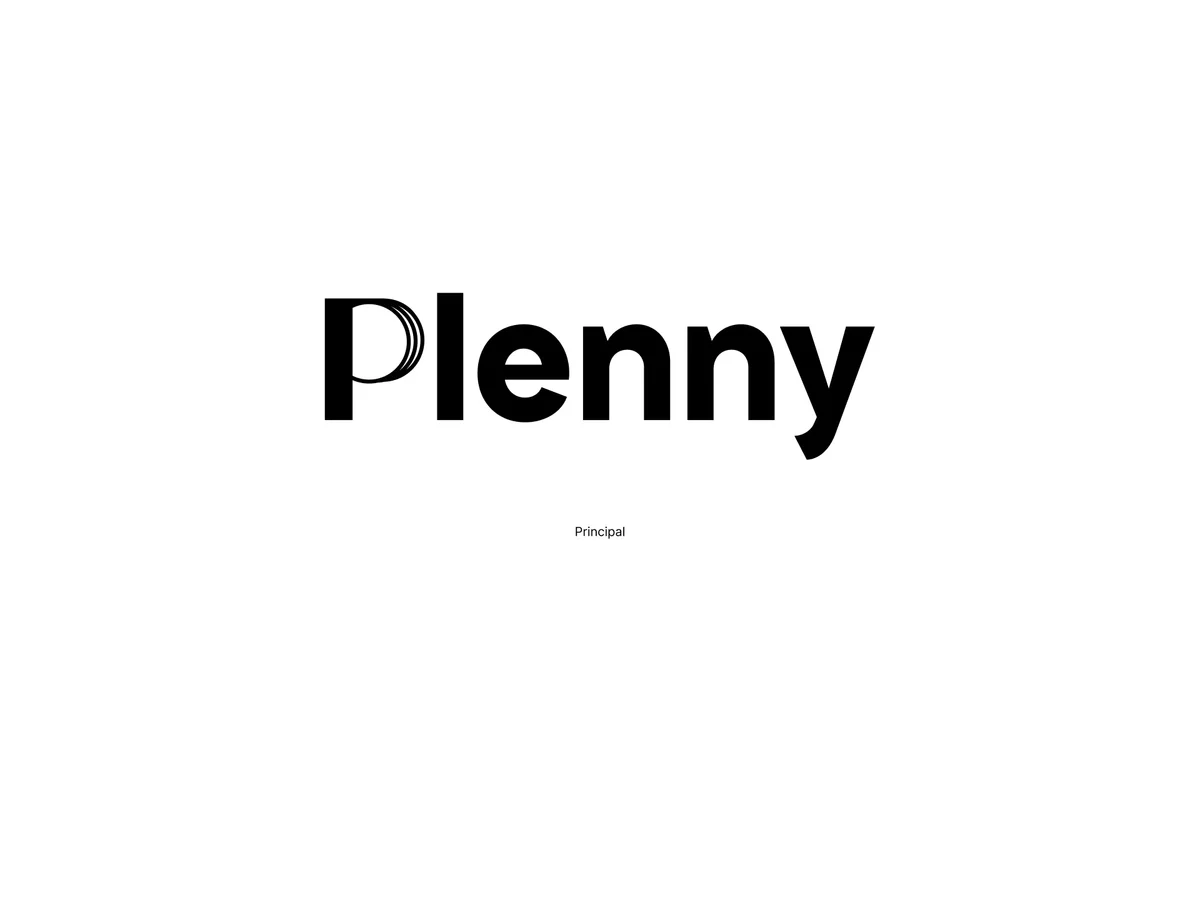
Plenny is a personal financial assistant app. Its icon slips a stack of coins into the first letter of the name. The logo is built on Apfel Grotezk Fett, chosen for its soft curves and exaggerated x-height, which give the brand a friendly, approachable tone.

Credits: Apfel Grotezk by Luigi Gorlero, on Collletttivo.it.
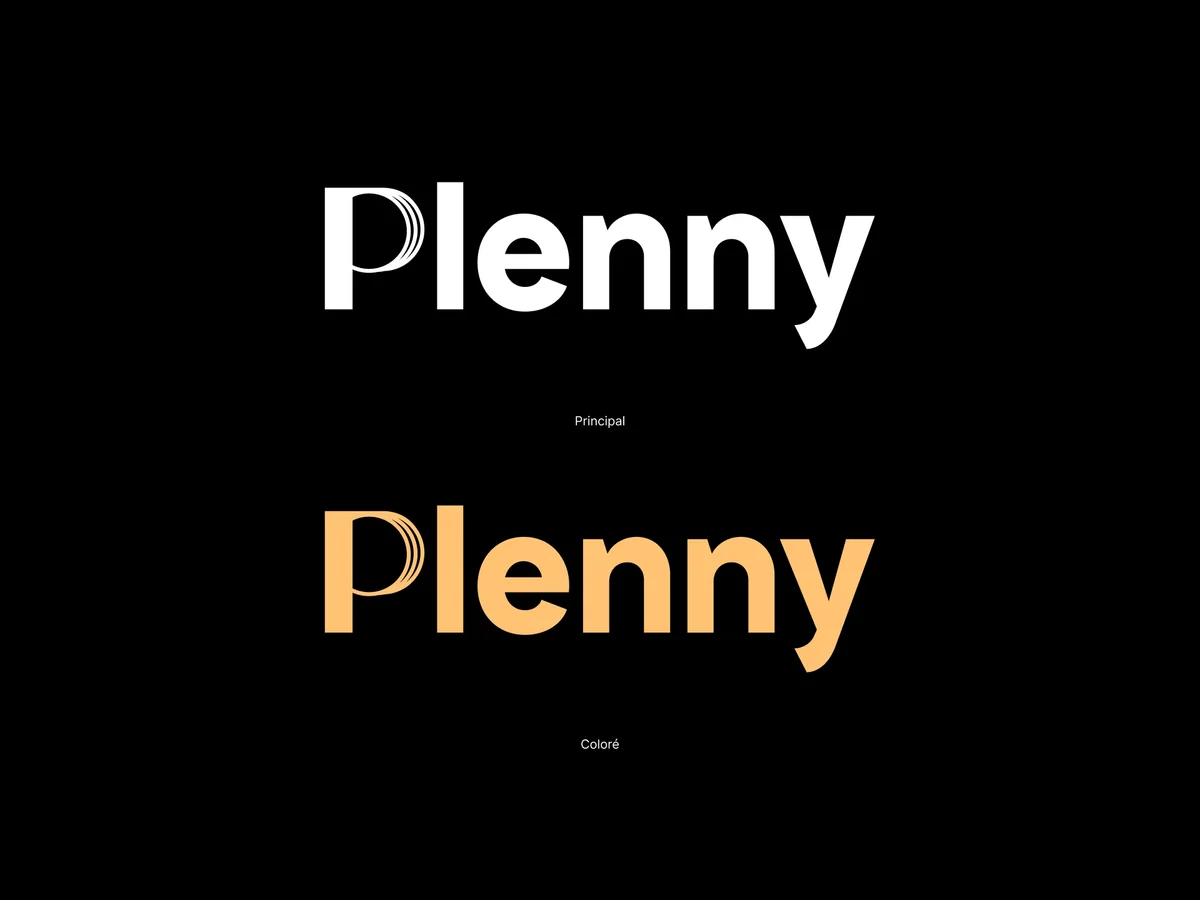
Plenny logo in white and in peach, on a black background
Plenny app icon variations: black “P” on white, black on peach, peach on black, dark mode and tinted versions
Plenny logo in black on a white background
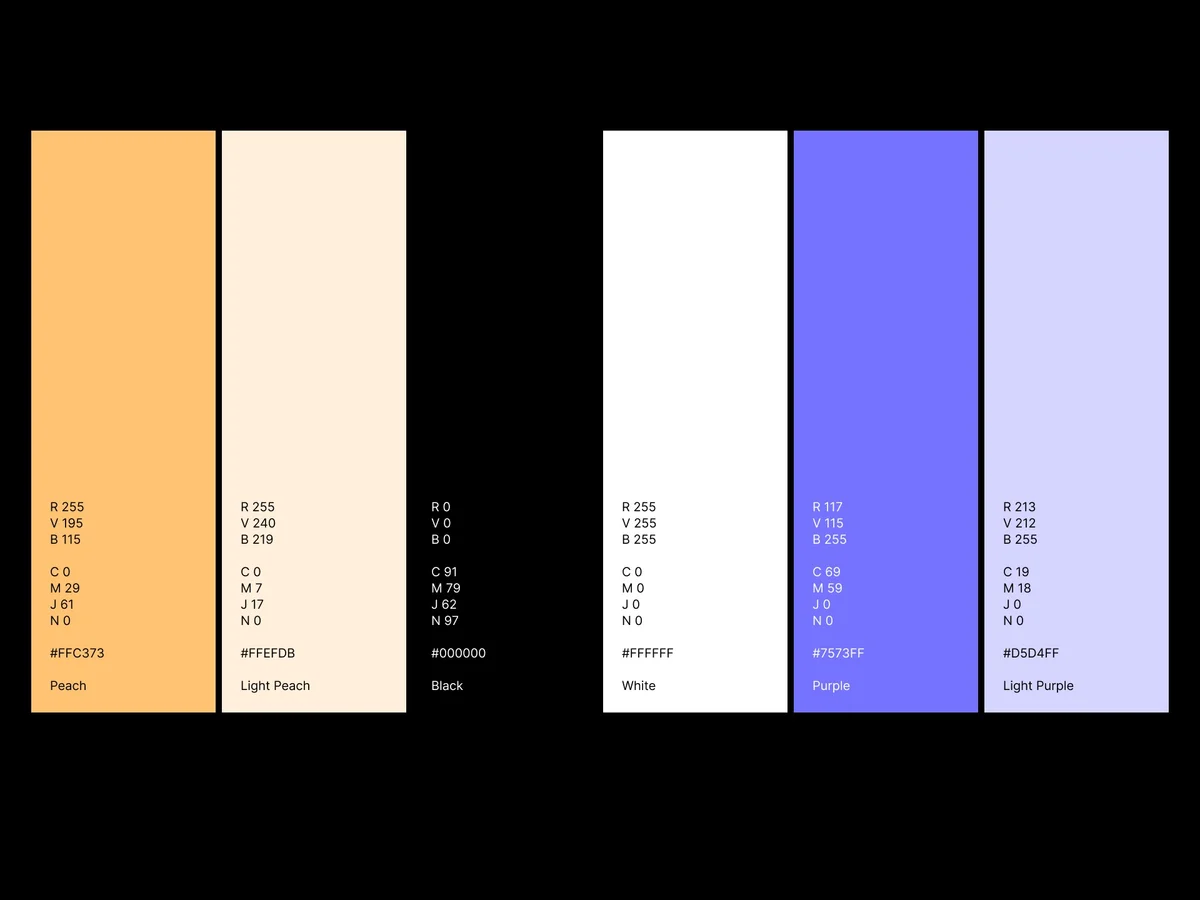
Plenny main colour palette: peach, light peach, black, white, purple and light purple, with their colour codes
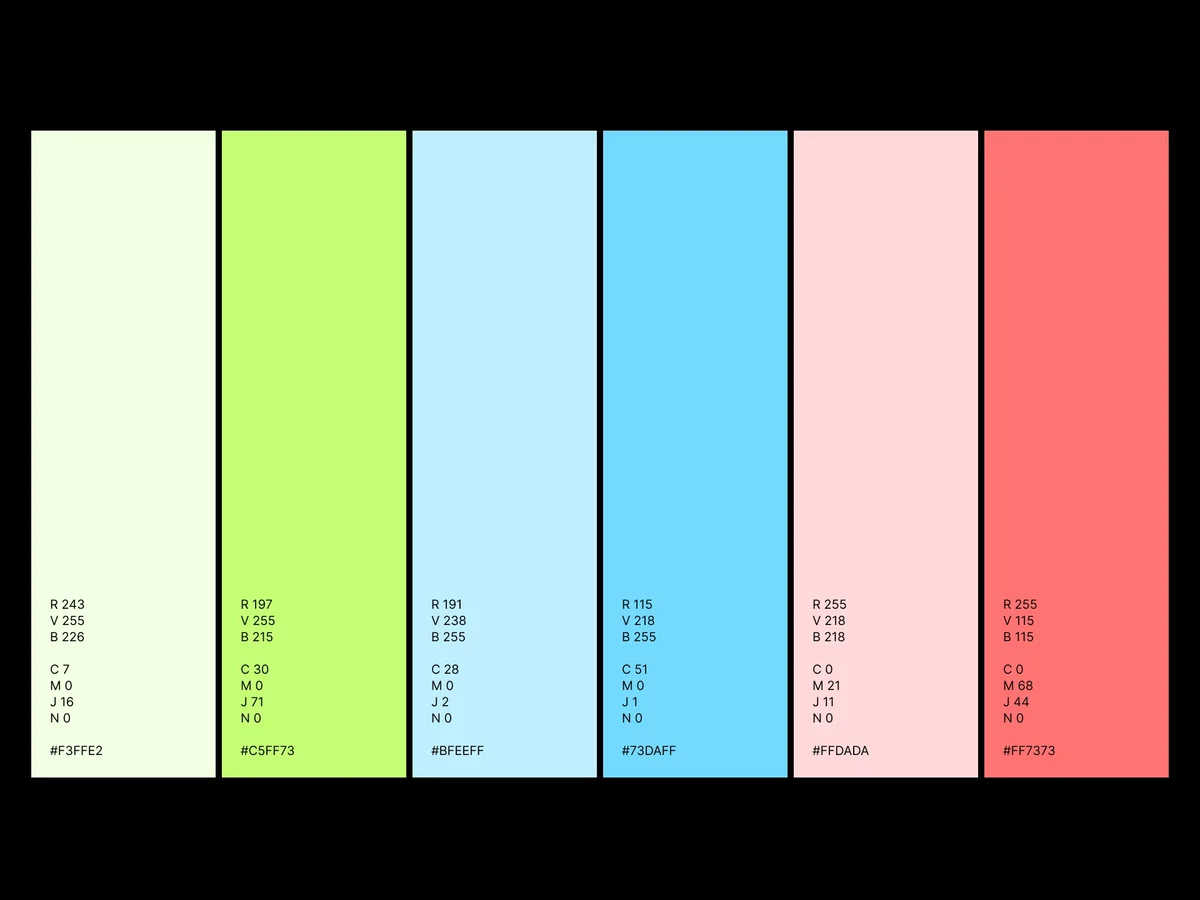
Plenny secondary colour palette: pale green, acid green, sky blue, blue, pale pink and coral, with their colour codes

Instagram communication

Posts and carousels for the @plennyapp Instagram account, using the identity’s colours and typography to talk about budgeting in a simple way.

Plenny app icon: a large peach “P” whose bowl splits into several lines, on a black background
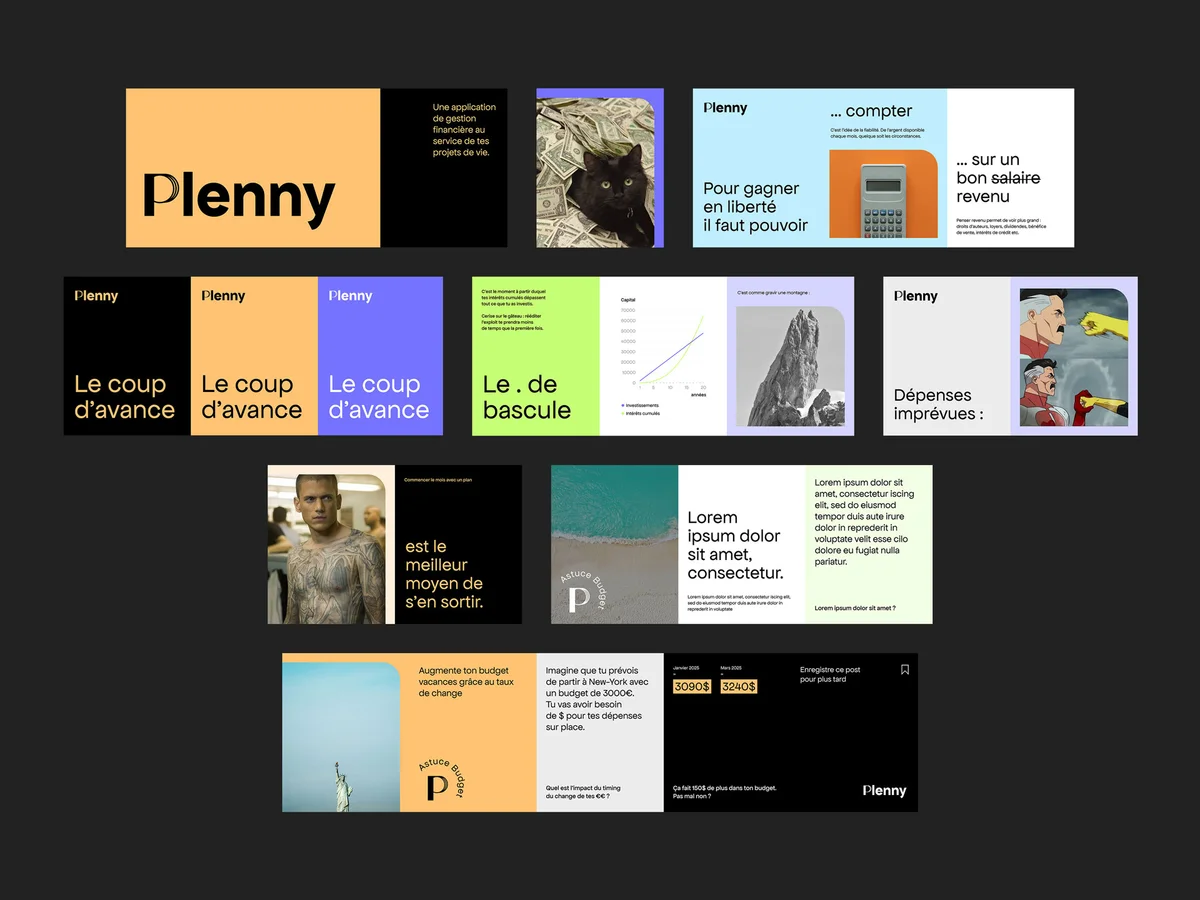
Grid of Plenny Instagram posts: logo, quotes on coloured backgrounds and photos
Plenny Instagram visual: the Statue of Liberty against a blue sky, framed in peach
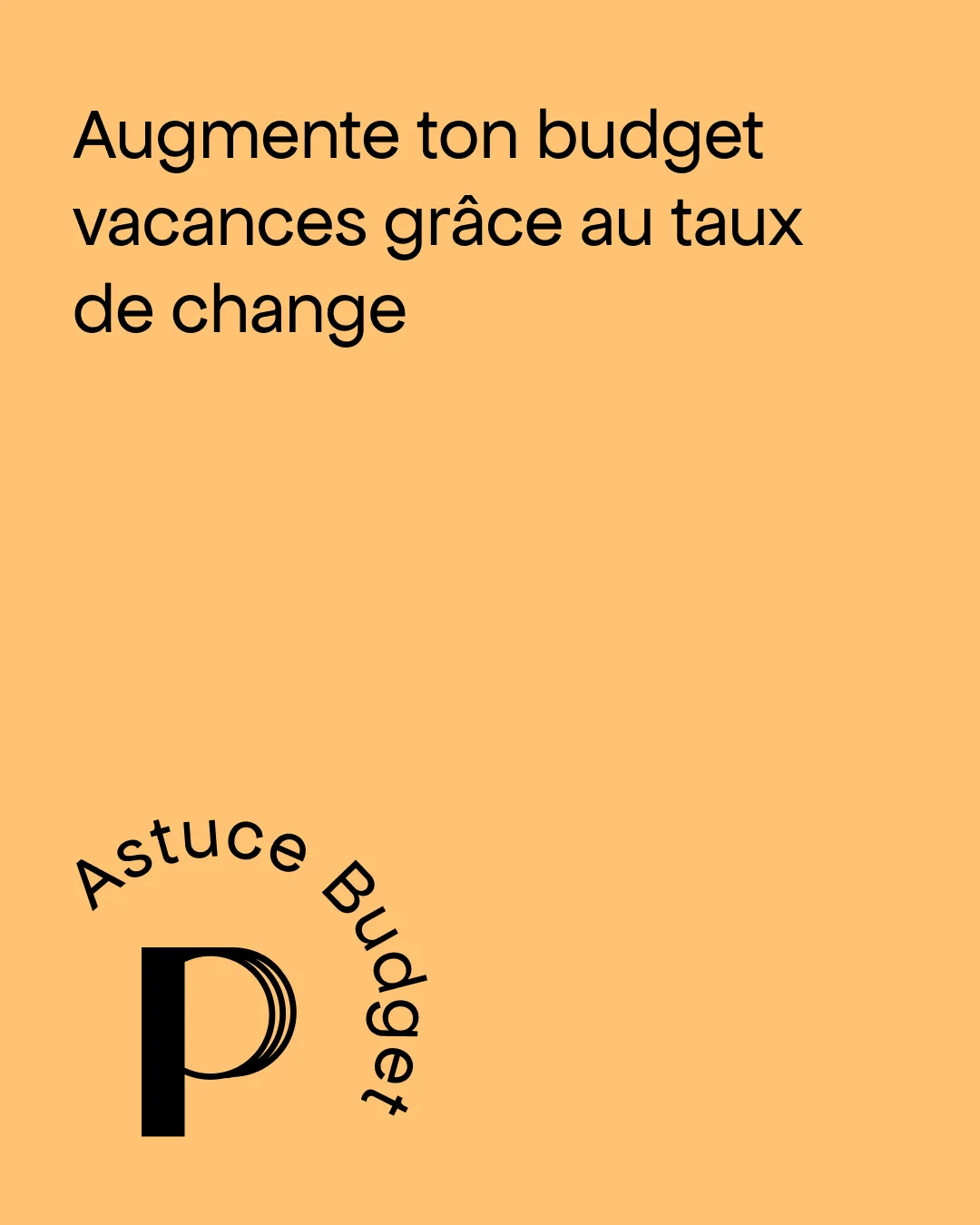
Plenny Instagram post on a peach background: “Boost your holiday budget with the exchange rate”, with a “Budget tip” stamp
Plenny Instagram post: “Le coup d’avance” (one step ahead) in peach on black
Plenny Instagram post on a sky-blue background: “To gain freedom, you need to be able to…”
Plenny Instagram post: “… count”, with a grey calculator on an orange background
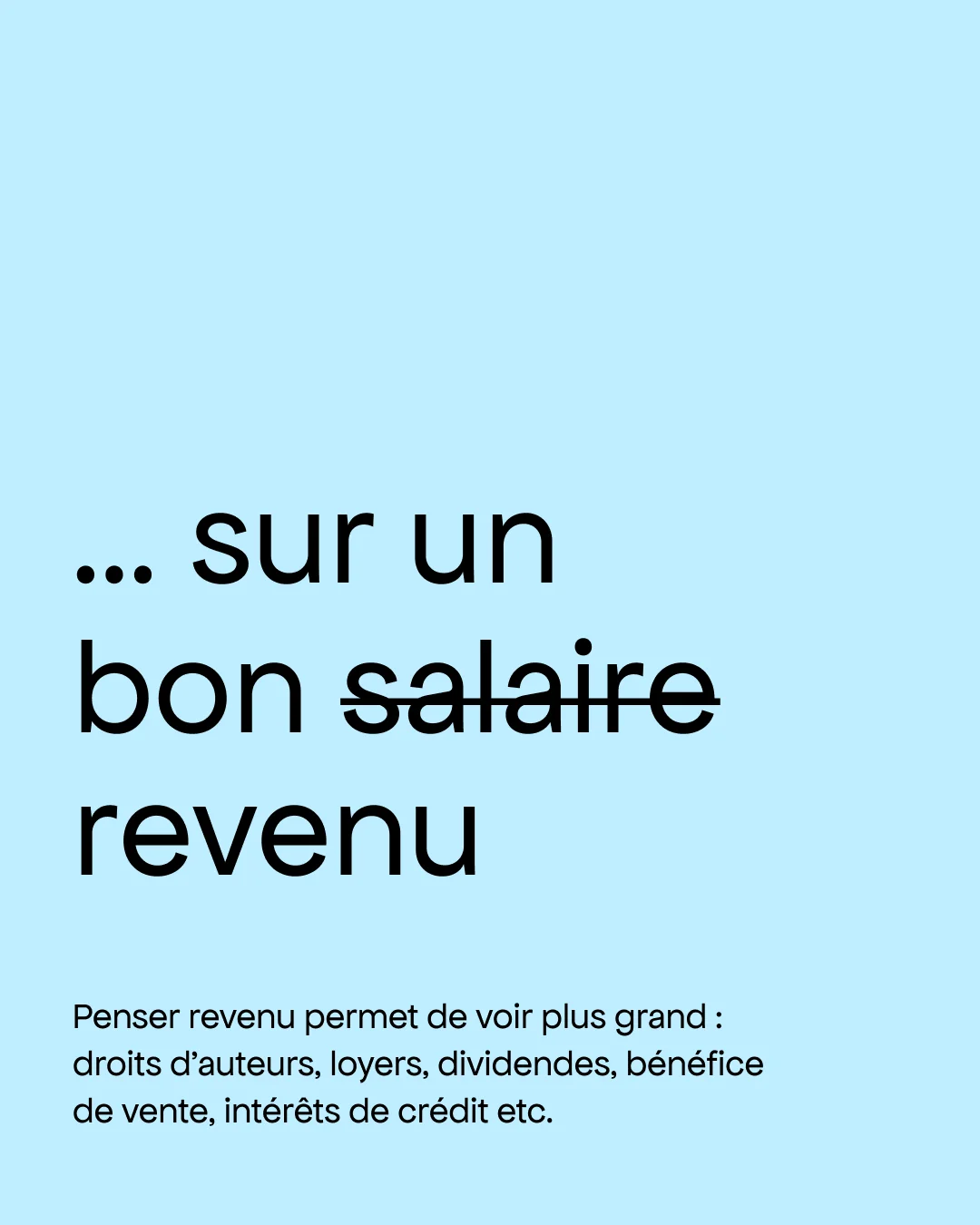
Plenny Instagram post on a sky-blue background: “… on a good salary income”, with “salary” crossed out
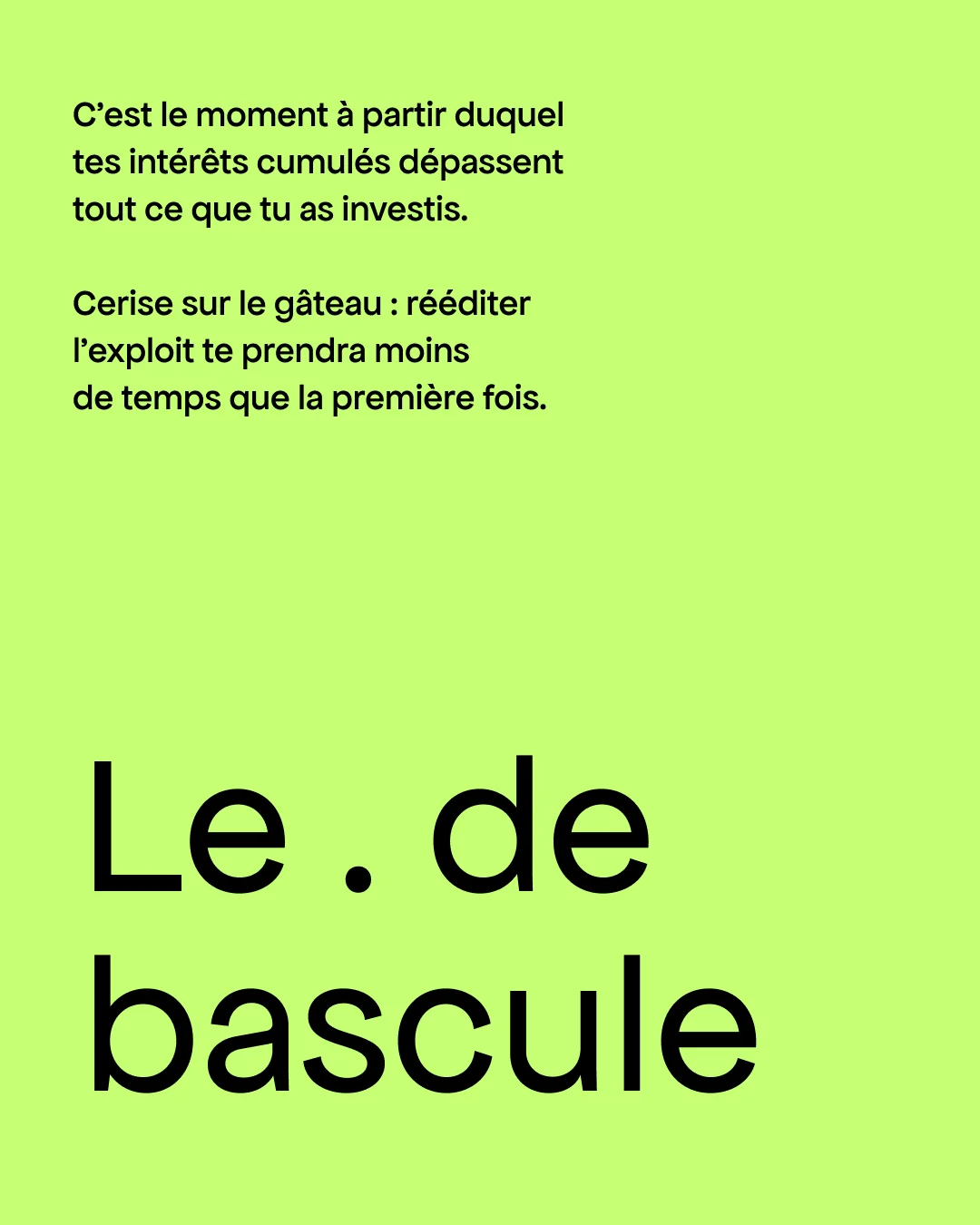
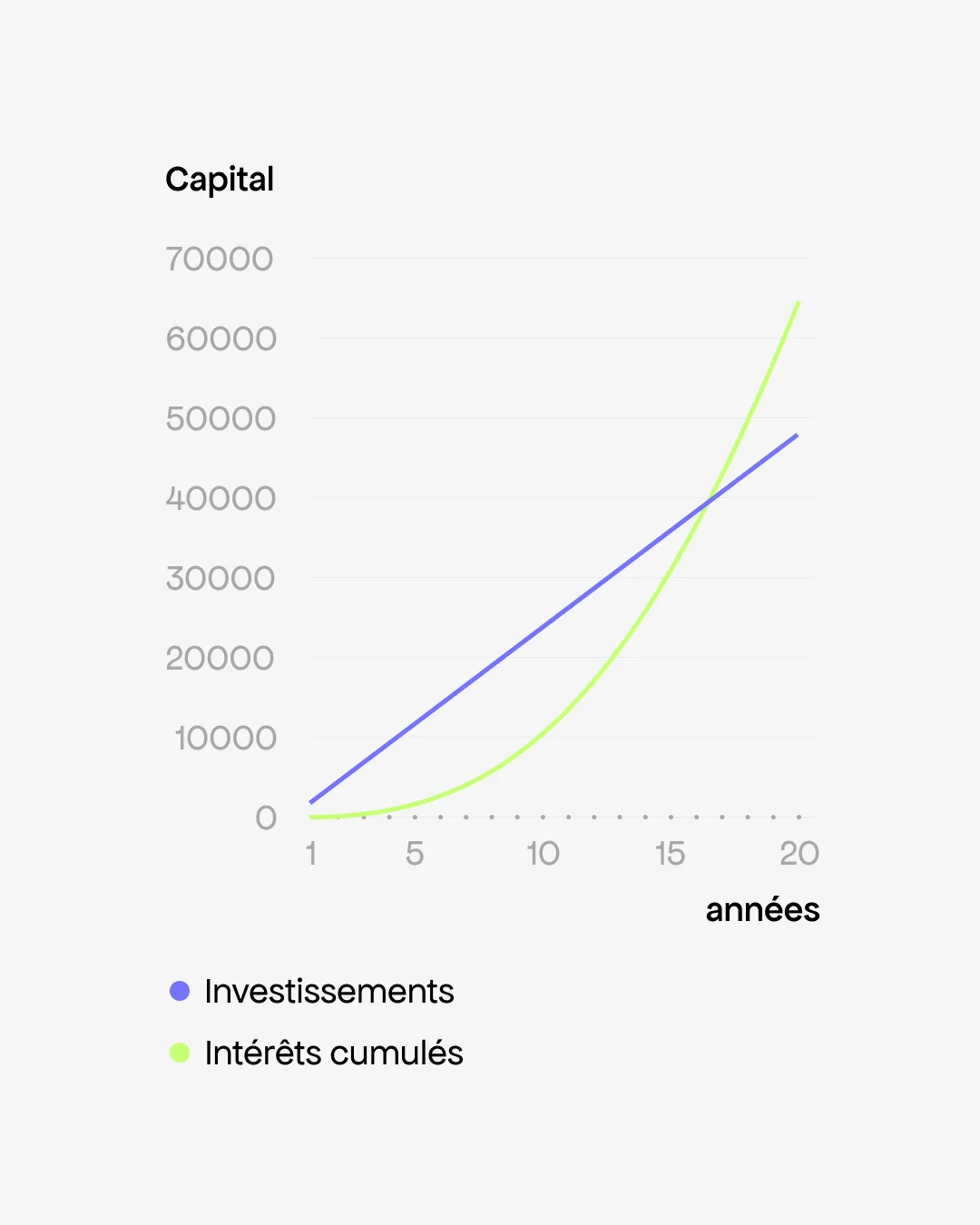
Plenny Instagram post on an acid-green background: “Le . de bascule”, the tipping point of compound interest
Plenny chart: invested capital and compound interest curves over 20 years

Landing pages

Landing page announcing the app’s launch and building a waiting list.
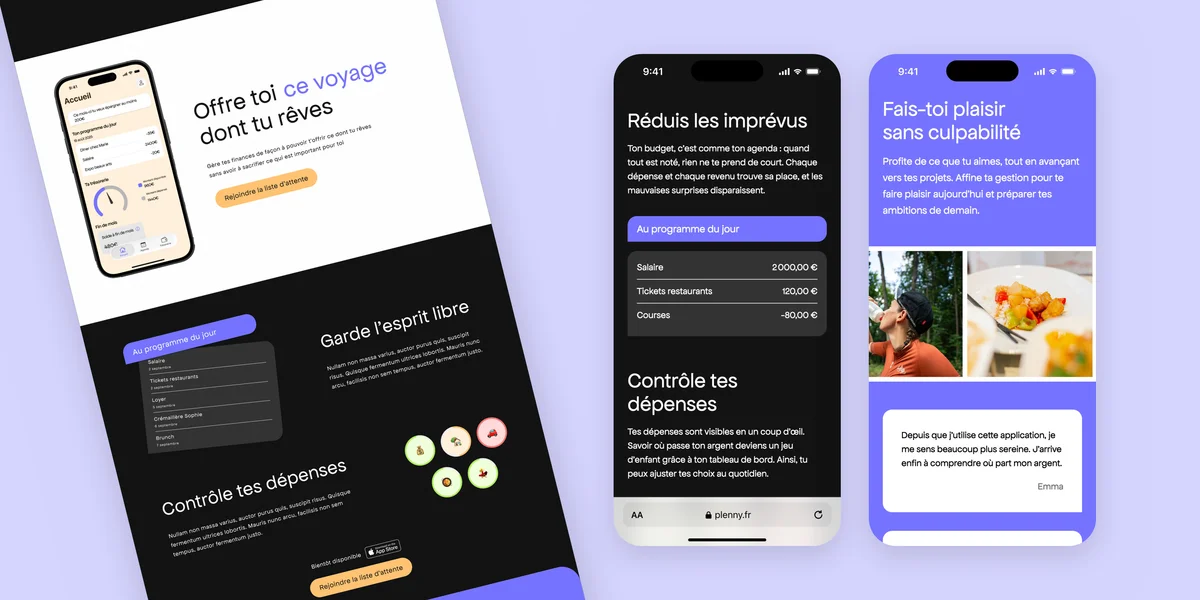
Plenny landing page: on the left, a tilted excerpt of the desktop page with the iPhone next to (“Offre toi ce voyage dont tu rêves”, “Garde l’esprit libre”, “Contrôle tes dépenses”); on the right, two screens of the site on iPhone, “Réduis les imprévus” and “Fais-toi plaisir sans culpabilité”

App Store

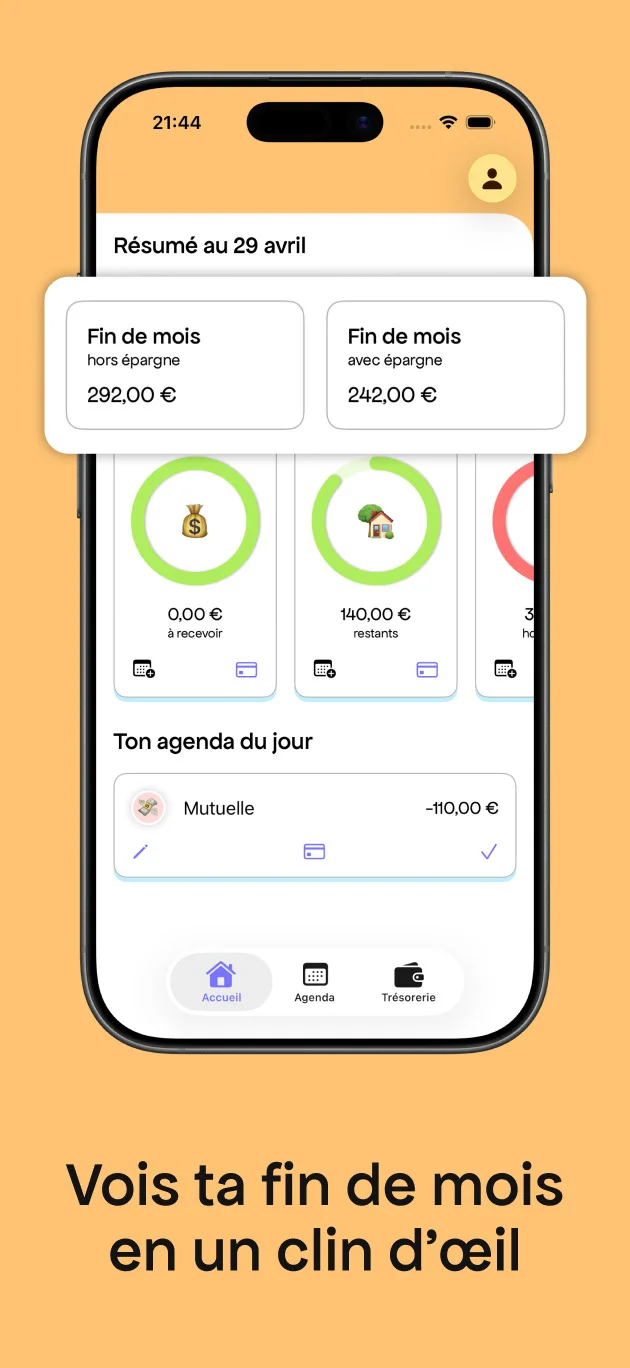
App Store preview visuals for iPhone and iPad: each screen highlights one feature of the app with a short headline, using the colours and photos of the visual identity.
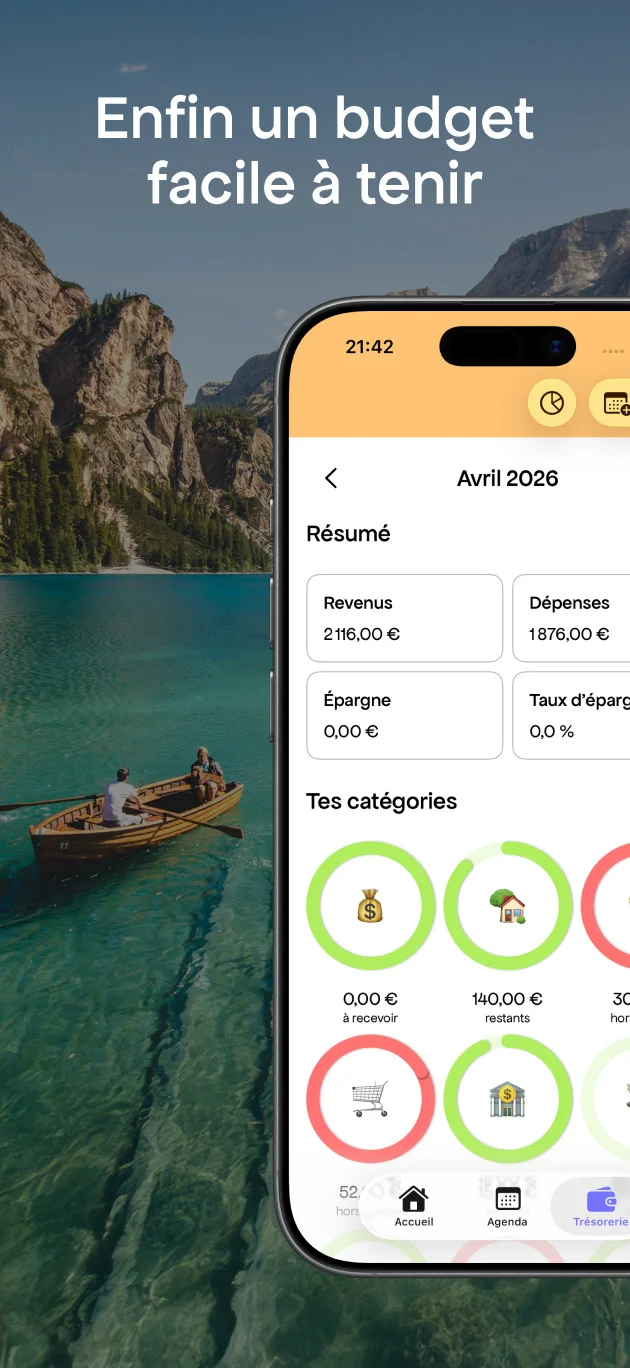
Plenny App Store preview on iPhone: “Finally, a budget that's easy to stick to”
Plenny App Store preview on iPhone: “See your end of month at a glance”
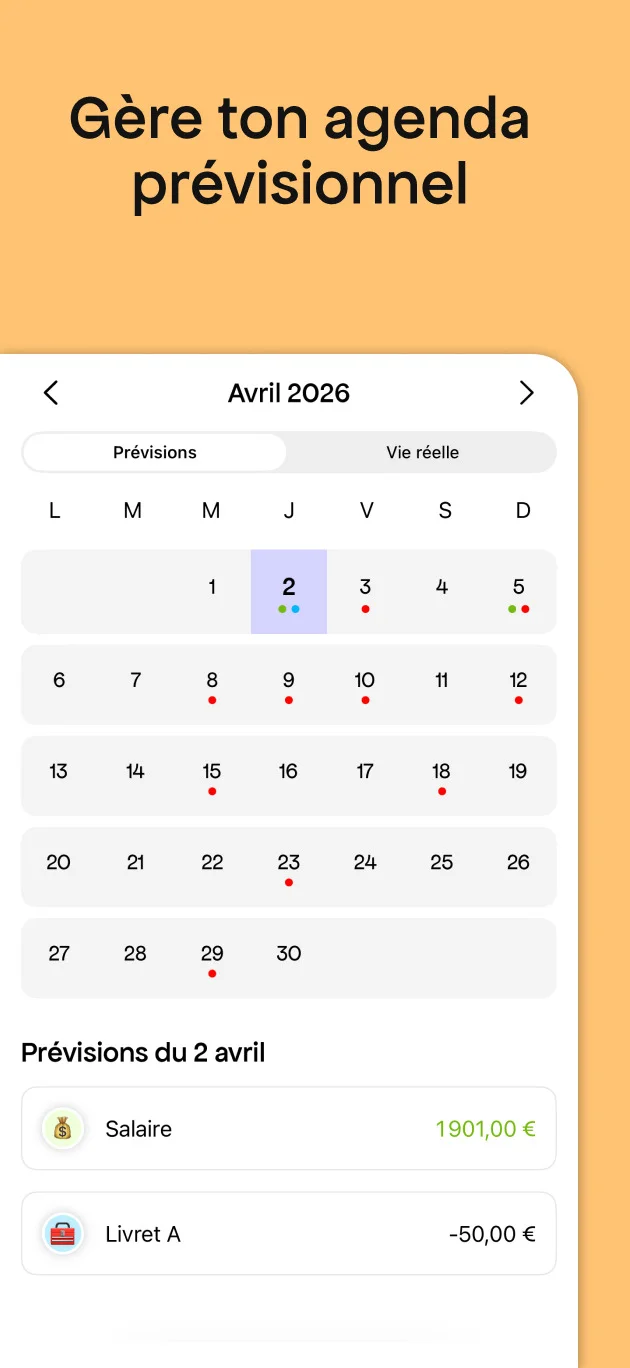
Plenny App Store preview on iPhone: “Manage your planned schedule”
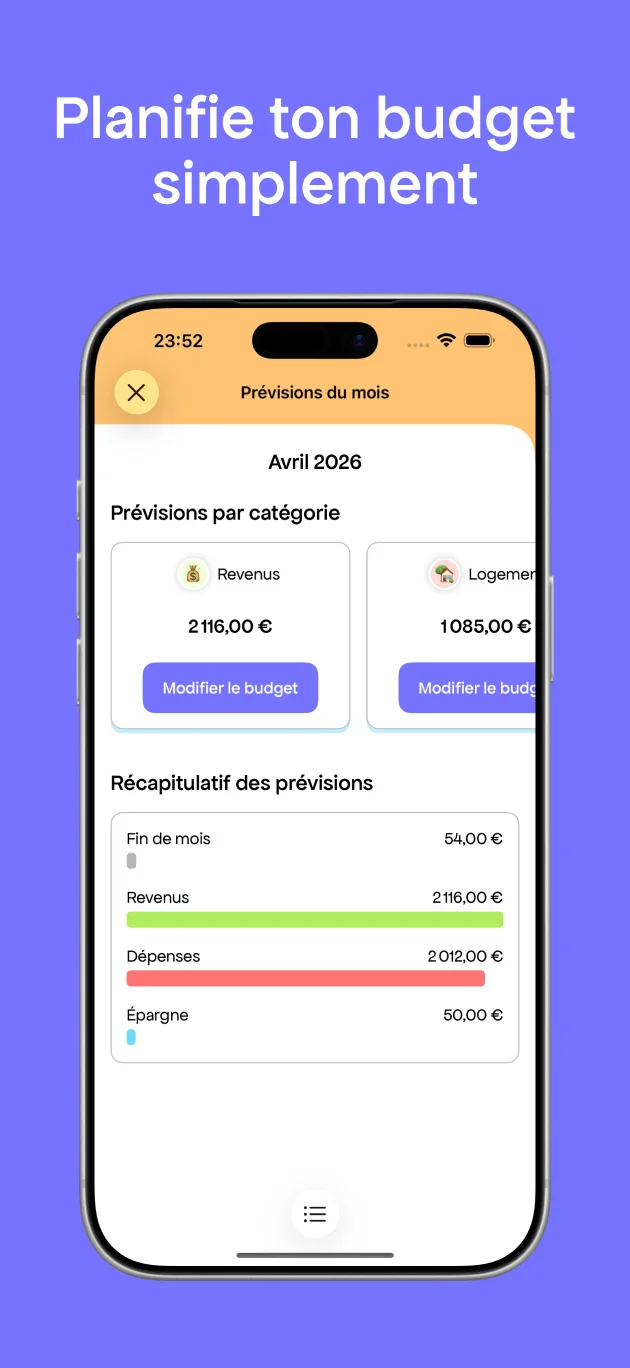
Plenny App Store preview on iPhone: “Plan your budget simply”
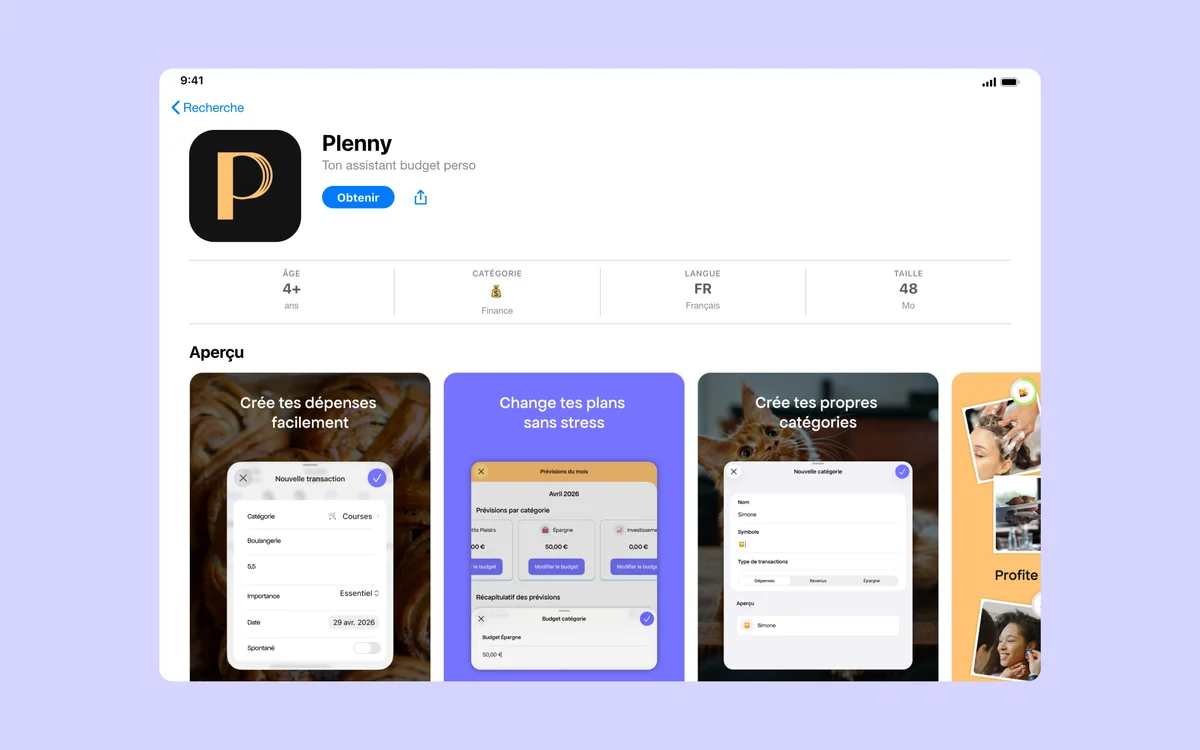
Plenny’s App Store page on iPad, with the last four preview visuals
Next →

Click the swatch book to see another project.

Tap the swatch book to see another project.